
This article will walk you through accessing your VitalSource Delivered Access Code with details and screenshots. This is a general product and may not reflect your Material, but the access process is similar across all VitalSource delivered access codes.
1. You will launch from the Virtual Bookstore where the initial purchase was made. Go to your Digital Content Bookshelf by clicking YOUR ACCOUNT-> DIGITAL CONTENT
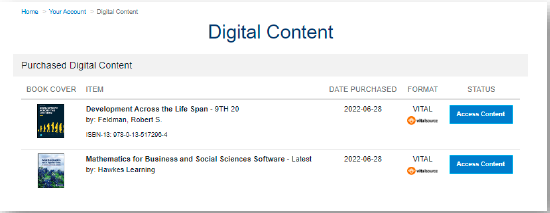
2. Click the blue ACCES CONTENT box to be taken to VitalSource. From here you will need to create an account by filling in the requested information DO NOT BYPASS THIS IF YOU HAVE NOT MADE AN ACCOUNT BEFORE. It will cause issues as VitalSource needs an account to access materials at a future date if needed.
a. If you already have an account from a VitalSource purchase through BNC prior,
you will auto-redirect to your account.
3. Accept Cookies

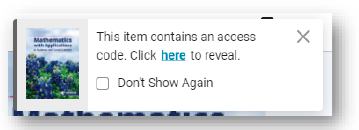
4. You may see this option pop-up, can click the HERE link and that will take you to the next page. Otherwise follow the lettered steps below
a. Click the Back Arrow at the top left-hand corner

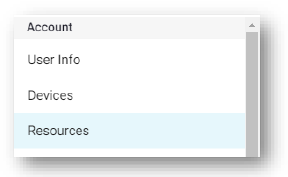
b. Click Account Settings on the next page

c. Click Resources on the drop-down menu
d. Click the Access Code(s) option on the next page
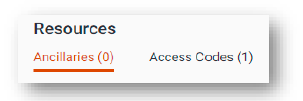
e. You will see your material, Reveal Code, and then you have the option to COPY and LAUNCH SITE.
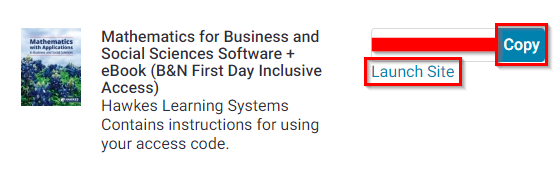
f. From here, you will be redirected to the Publisher Site to input your code and access the material.